
style: customise your plans
Customising your plans
A brief description of the customisations (colours etc) as shown in the preview can be seen on the lower right hand side. If you want to change the customisations tap on the button where it says change style...
NOTE: This is not available for 3D plans.
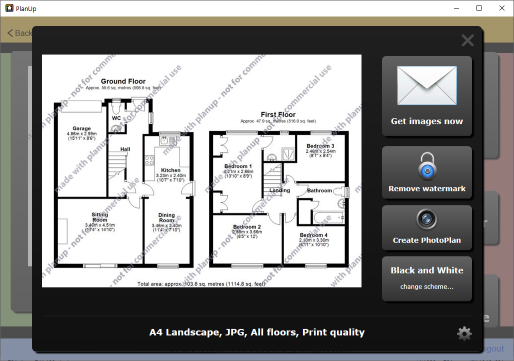
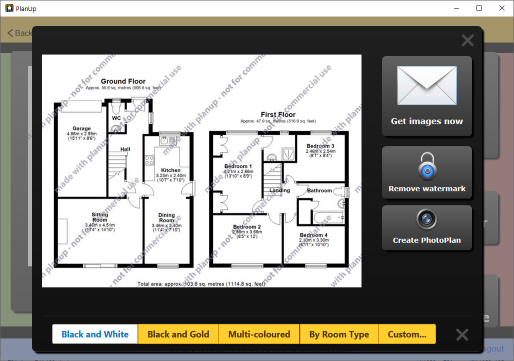
You will have some quick options to choose from and a Custom... button. If you tap on the Custom... you can:
- Change the floor colour (Fill colour).
- Change the wall fill and outline colour.
- Change the item colour i.e. change the colour of items such as toilets, sinks etc.
- Add a bevelling effect to the walls – the line and fill colours need to be different for this to work.
- Add shadows to walls, items, and/or text.
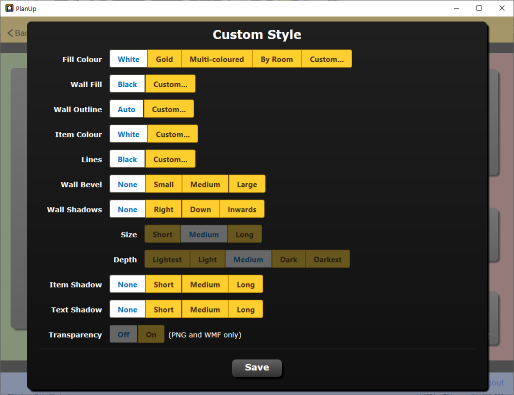
Select options as required tap on Save to return to the previous screen. The preview will update to show the style you have selected.